Kiosks and Self-Service Devices
Modern kiosk experiences for retail, service counters, registration, check-in, and guided self-service flows, with secure device control and reliable recovery patterns.

Application Modernization
Application modernization is no longer only about refreshing screens. It is about turning mobile apps, kiosks, desktop software, web portals, and field devices into intelligent channels that can connect with cloud platforms, AI models, business systems, and offline workflows.
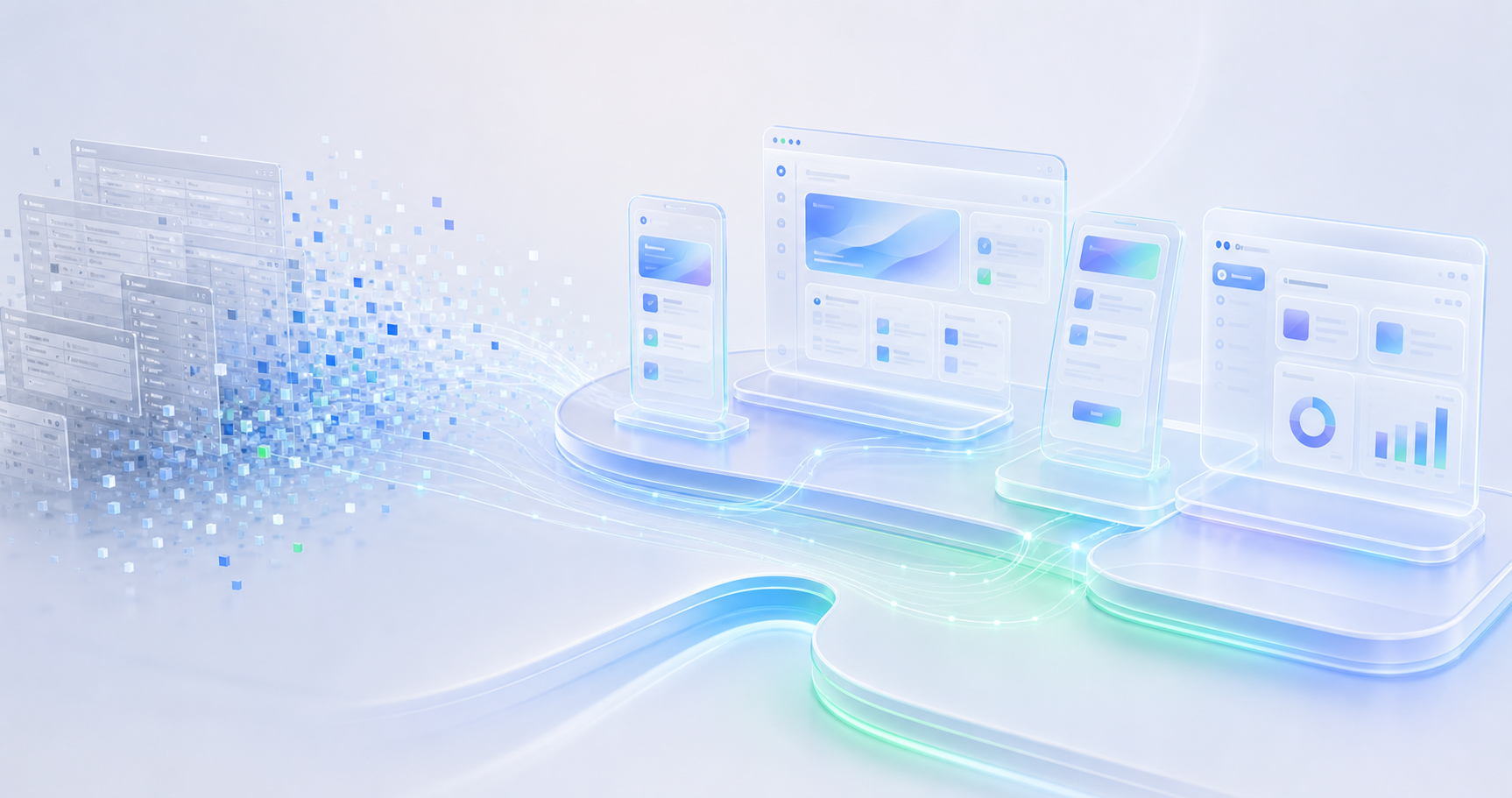
Many business applications now live at the edge of the operation. They run on counters, tablets, factory floors, service desks, retail branches, vehicles, laptops, and unattended kiosks. These touchpoints are where users make decisions, capture data, serve customers, and respond to real-world conditions.
Gain Secure helps modernize these device-driven channels so they are not isolated applications anymore. We connect them with cloud services, secure identity, APIs, operational data, AI models, telemetry, and automation flows while keeping the experience reliable for the people using it.
The modernization work may involve rebuilding an old Windows application, redesigning a kiosk journey, turning a mobile app into an offline-first field tool, connecting a device fleet to Microsoft Azure, or adding AI-assisted features that can run through cloud models, edge models, or a hybrid approach.
The device becomes more than a screen. It becomes a secure, intelligent channel between the business, the user, the cloud, and the physical world.
Different channels have different constraints. A kiosk may need a locked-down flow and hardware integration. A mobile app may need camera, location, push notification, local storage, and offline sync. A desktop app may need to keep deep operational workflows but connect cleanly to cloud APIs. A web portal may need to become the control surface for users, administrators, and support teams.
Modern kiosk experiences for retail, service counters, registration, check-in, and guided self-service flows, with secure device control and reliable recovery patterns.
Apps for field teams, retail staff, customers, technicians, and operations users that can capture data, guide decisions, sync with cloud systems, and continue working when connectivity drops.
Legacy desktop applications modernized with cleaner interfaces, secure sign-in, device telemetry, cloud APIs, background updates, and AI-ready service connections.
Web experiences that manage users, devices, cases, workflows, content, analytics, and operational dashboards across the wider digital channel ecosystem.
Modern API foundations that connect devices, applications, cloud services, AI models, business systems, and data flows with secure, maintainable contracts.
Modern device channels should be able to use intelligence where it makes the most sense. Some AI features belong in the cloud, where larger models, enterprise data, and centralized governance are available. Some belong closer to the device, where speed, privacy, resilience, or low connectivity matter. In many cases, the right answer is a hybrid design.
We design applications that can call cloud-hosted AI models for richer reasoning, summarization, recommendations, diagnostics, and workflow assistance. We also plan for edge and offline scenarios where the device needs local rules, cached knowledge, local inference, queued actions, and sync logic so the user can keep working without waiting for a perfect network.
Not every application needs to be rewritten. Some systems need a new experience layer. Some need API enablement. Some need device management, identity, telemetry, or cloud integration. Others need a full rebuild because the old architecture cannot support modern workflows, AI integration, or offline resilience.
We assess the existing codebase, device environment, data flows, integrations, user journeys, support model, security requirements, and connectivity constraints before recommending the path forward.
After modernization, a device channel should be easier to operate, easier to support, and easier to evolve. Users get cleaner flows. Operations teams get better visibility. Business teams get a practical path to introduce AI capabilities without replacing every system at once.